
How to Make a Tiny Desk Outstanding Video
Oct 26, 2026Tiny Desk Outstanding AI
Upload one photo per band slot and generate a 9:16 clip that follows the sample track.
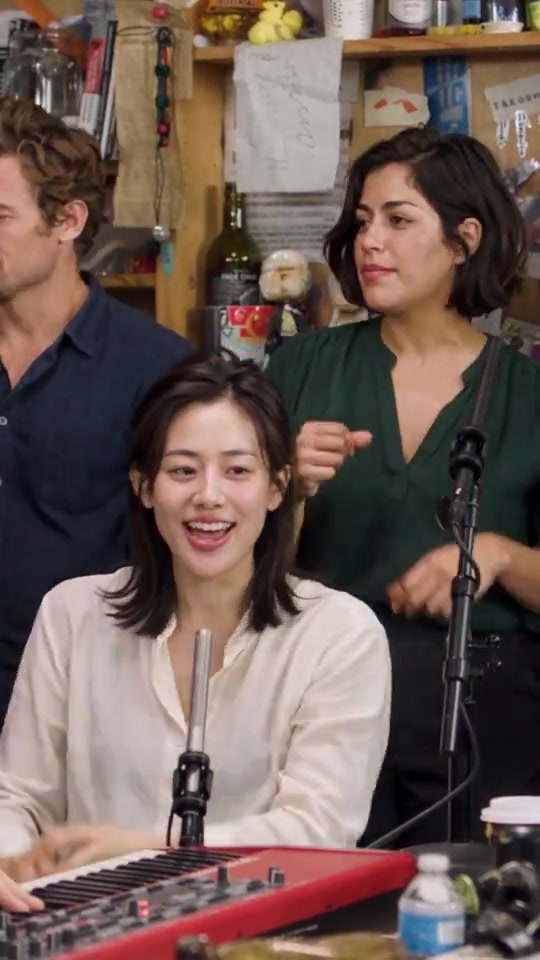
Tiny Desk Outstanding AI is a fan tool. It is not affiliated with NPR, Tiny Desk, or the performers. You are responsible for likeness rights.
What you need
- One clear photo for each slot, in appearance order: first left, center, right; then second; then last
- An account (10 credits per clip)
- Nothing else for sound: the clip keeps the sample track unless you check silent export
Steps
- Open the homepage and fill every photo slot. JPEG or PNG, one adult per photo, eyes visible.
- Leave Silent export unchecked to keep the sample track. Check it only if you want a file with no audio.
- Sign in and press Make my clip. That spends 10 credits. There is no prompt. Seedance 2.5 follows the sample plate.
- Download the MP4 from the page or from My generations. If the job fails, the 10 credits come back.
- Mark the post as AI-made if the app asks.
Packs are $9.90, $19.90, and $29.90. Questions: support@tinydeskoutstandingai.com.